Pronoia for Chrome. Your agents, in your own browser.
Two small Chrome extensions. One lets your agent work in your Chrome, as you. The other saves what you're looking at straight into Pronoia. Both are free with a Pronoia account.
Pronoia for Google Chrome™ private alpha

Lets your agent use your own Chrome, as you, on the sites you're already signed in to. That's how it gets past sign-ins that refuse a cloud browser, like Google's. You agree once. After that a banner shows whenever Pronoia is working in a tab, and Stop is always one click away. Your agent drafts; you press Send, Post and Buy.
What it will and won't do
- It works in its own Pronoia tab group, with a banner on every tab it uses. No banner, no action.
- Messages are drafts. Sending, posting and buying are your press.
- It never touches Pronoia's own pages, this computer or its network, browser pages, plain
httpsites, or a link with a user name in it. - Stop everything and Disconnect are in its toolbar menu. To remove it, press Remove in
chrome://extensions.
Save to Pronoia private alpha

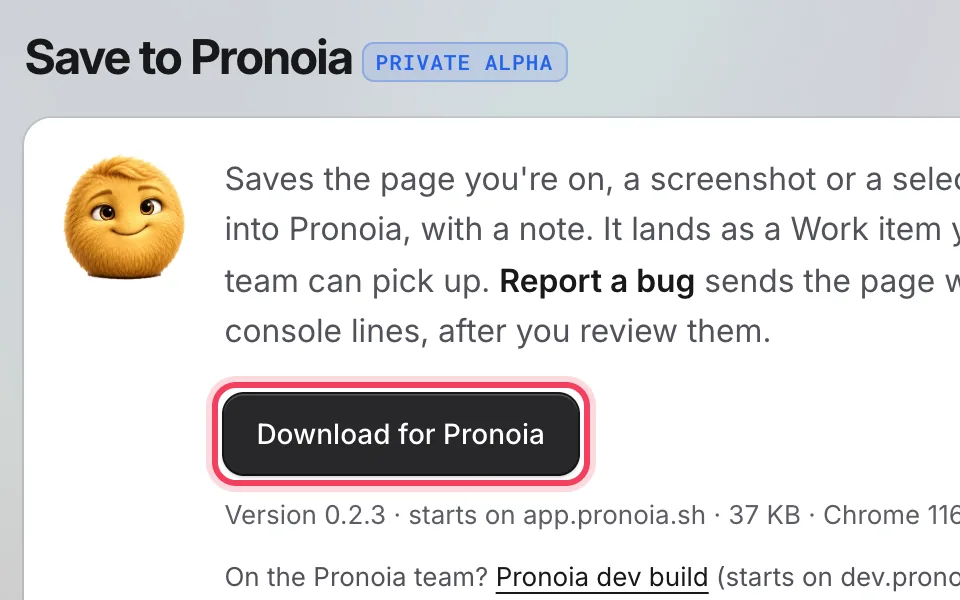
Saves the page you're on, a screenshot or a selection into Pronoia, with a note. It lands as a Work item your team can pick up. Report a bug sends the page with its console lines, after you review them.
Install it
Not on the Chrome Web Store yet: Chrome loads it from a folder.
- DownloadPress Download above.
- Unzip itUnzip to a folder you keep.
- Open extensionsType
chrome://extensionsin the address bar.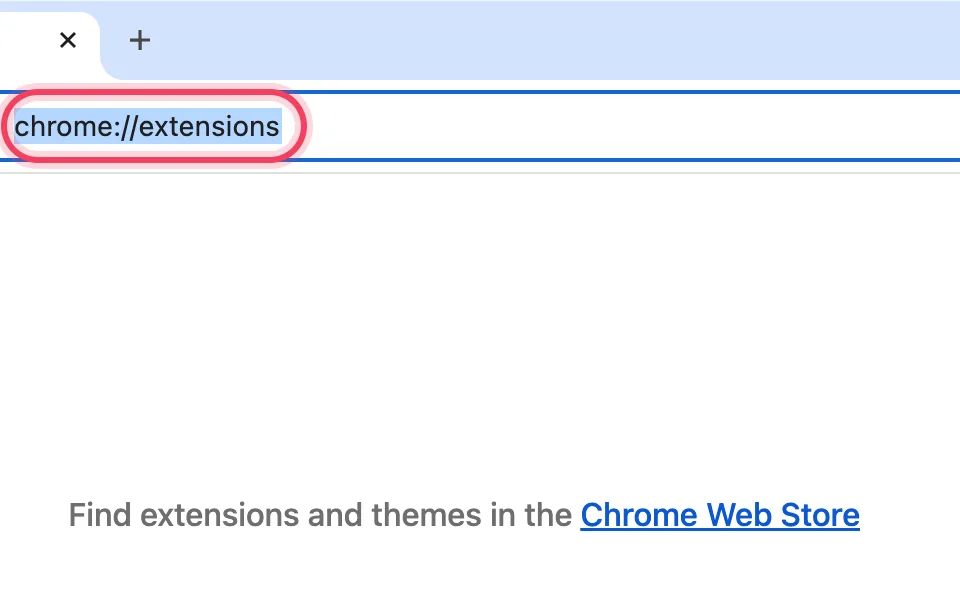
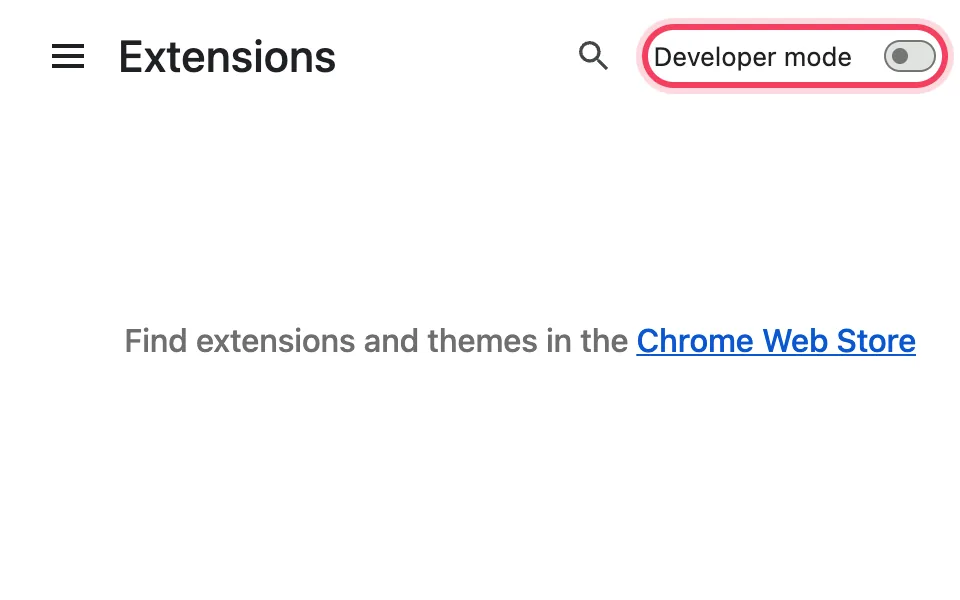
- Developer modeTurn it on, top right.
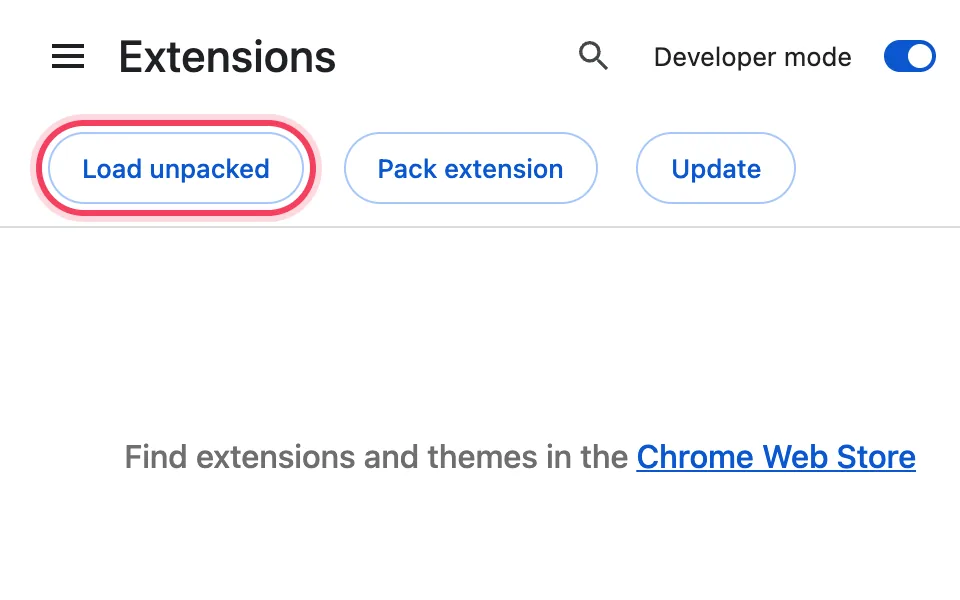
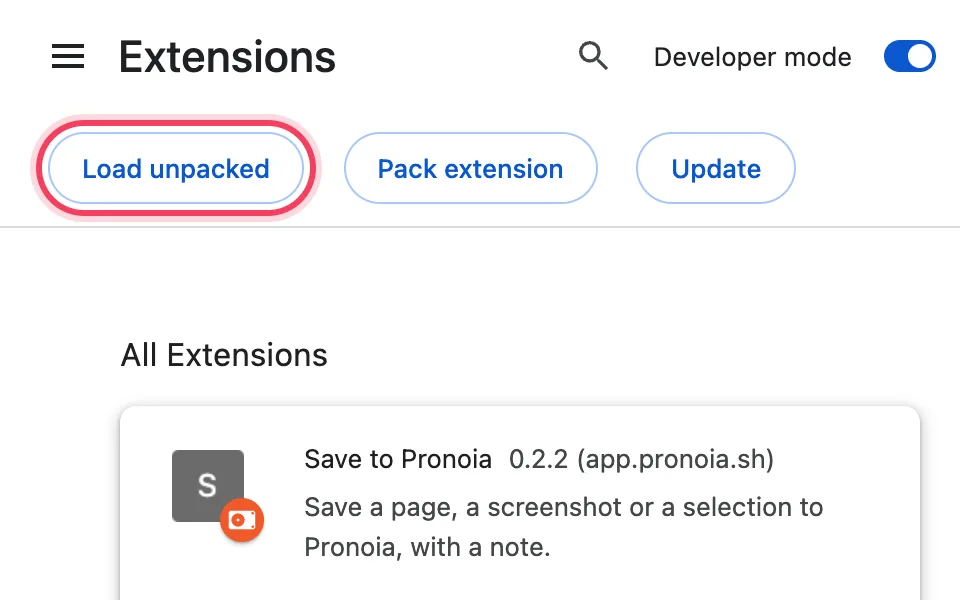
- Load unpackedPress it, top left.
- Pick the folderThe unzipped folder, not the zip.
- Pin itOn any page: puzzle piece › ⋮ › Pin to Toolbar.
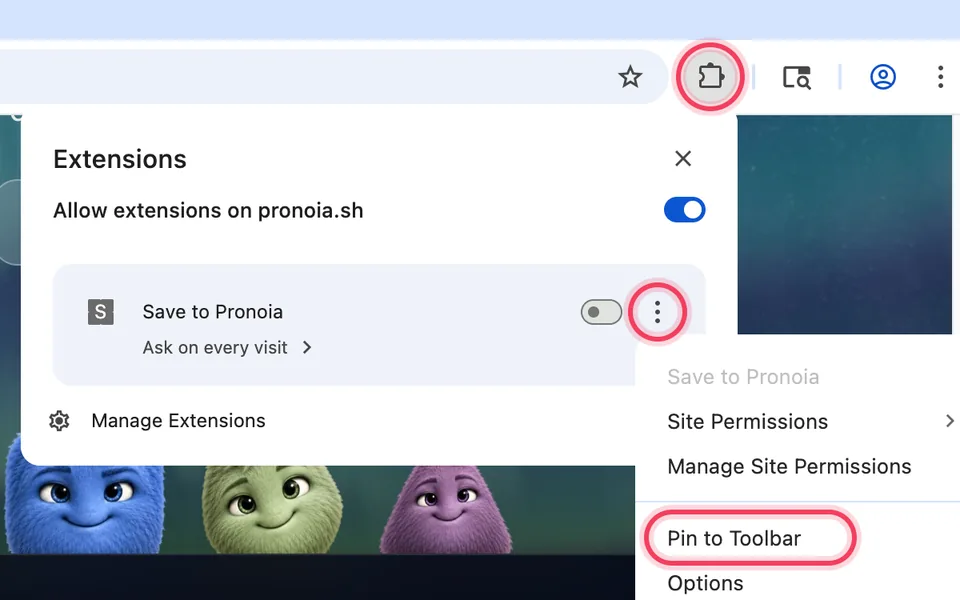
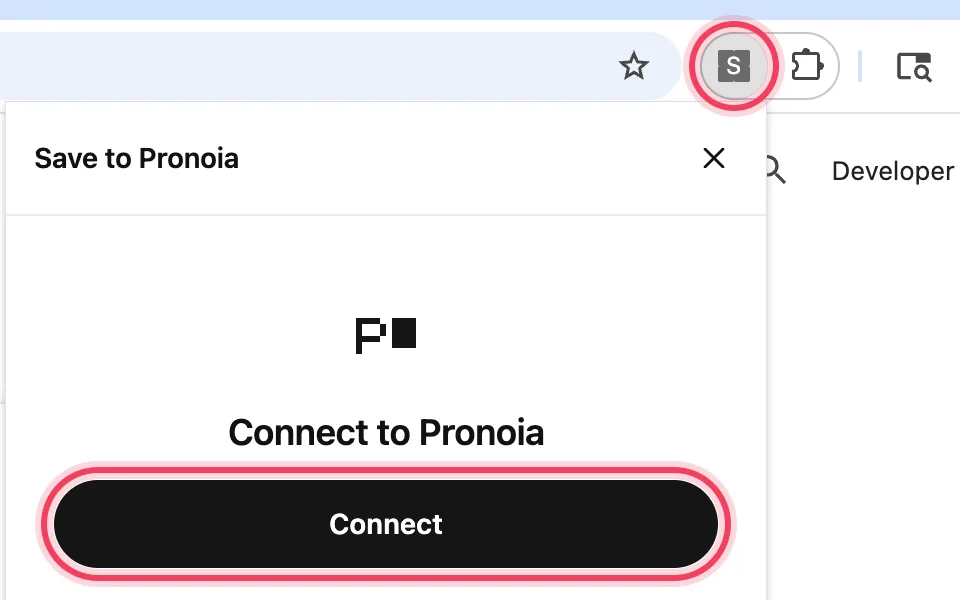
- ConnectIts icon › Connect, or Agree and connect.
- UpdateUnzip the new one, Load unpacked › its folder.


“Chrome can't verify where this extension comes from” is normal for now. Keep it, and keep Developer mode on.
Checksums
SHA-256 of each file, also in SHA256SUMS. Check one with shasum -a 256 <file>.
pronoia-for-chrome-0.1.11-dev.zipeaebd153ea31828996a0e2f3391164b5c73d6baa133157e605539db077b3a6a8pronoia-for-chrome-0.1.11-app.zip66f98e6fdee05ea09db09ebeffdcbbae83d9fdc95ebb292d4ef8410ad1d4601asave-to-pronoia-0.2.3-dev.zipe8a0035a3b59aee2996a3fced2dfd079d2b22d72e27869031661392c9ce637edsave-to-pronoia-0.2.3-app.zip017bc17aafe76a827be1f8ddca1bb24cad35176f282f22f4ffa772b24f7c2f50